Start or open a meeting Flow
Flows automates how documents are collected, managed and prepared for meetings. Flows then creates internal system folders and files in your Diligent Data Room team room. Don't change, replace, move, delete, or rename any of these folders and files. They are needed for the proper functioning of your meeting Flows.
-
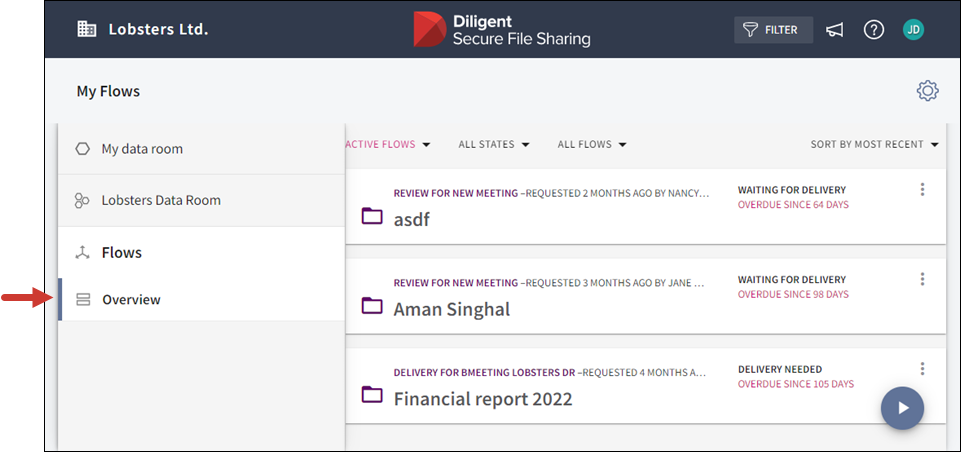
In your data room, go to the navigation bar and select Flows to open the Overview.
-
Select the Start a Flow arrow icon
 at the bottom right of the window to open a menu displaying the Flows available to you.
The names of your meeting types are set by your Flow manager.
-
Select the meeting.
-
Select Create Meeting.
-
If meeting templates are available, choose a template and select Use selected template, or proceed with Continue without using a template.
-
To open a previously started meeting Flow, select its card. If there are several Flow cards displayed, you can use the filter buttons to filter the Flows.
